
Problem Statement: Migrating all EBS modules to Oracle Fusion with HCM being the first one to go. Since financial module will still be on on-prem EBS and business do not want to create Departments in two systems.
The issue is that there is no HCM API to create or update department/organization in HCM.
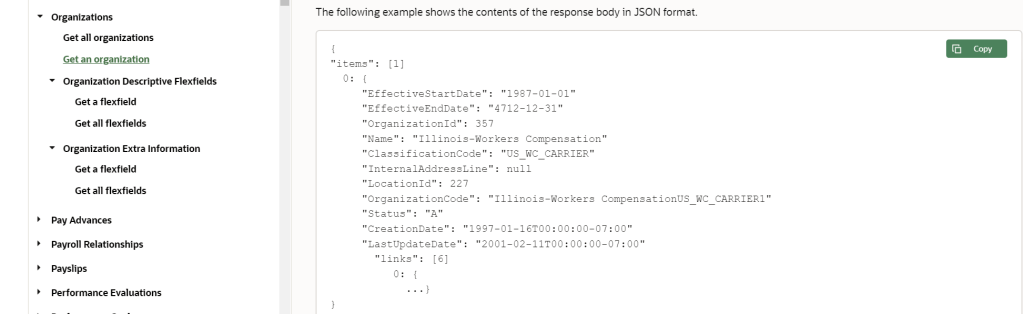
We are going to be using following technologies to sync EBS Department to HCM Organizations.
- EBS Business event
- EBS Custom view
- Oracle Integration Cloud: to fetch data from EBS and sync to HCM
- HCM HDL – Dataload process use by HCM
Creating a custom business event (oracle.apps.per.zeus.department)
Log into EBS as sysadmin user
Workflow Administration → Administrator Workflow → Business Events→ Create Event

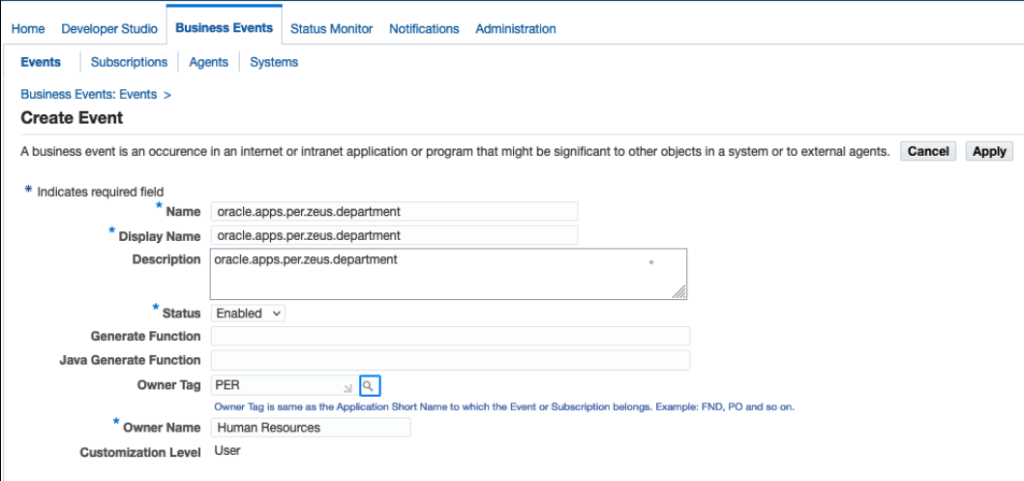
ssh into EBS application tier
java oracle.apps.fnd.wf.WFXLoad -d apps :: thin US zeus_department.wfx EVENTS oracle.apps.per.zeus.department
Oracle Workflow XML Loader 2.6.4.0.0

Connecting to apps@ -- UTF-8
Connected to
File is written using character set UTF-8
Download completed successfully.
vi zeus_department.wfx (Add WF_EVENT to * @rep:category BUSINESS_ENTITY)
/*#
 * oracle.apps.per.zeus.department
 *
 * @rep:scope public
 * @rep:displayname oracle.apps.per.zeus.department
 * @rep:product PER
 * @rep:category BUSINESS_ENTITY WF_EVENT
 */
$FMW_HOME/webtier/perl/bin/perl $FND_TOP/bin/irep_parser.pl -g -v -username=SYSADMIN owf:patch/115/xml/US:zeus_department.wfx:12.3=<path to where wfx was generated>/zeus_department.wfx (This will generate zeus_department_wfx.ildt)
# Interface Repository Annotation Processor, 12.0.0

#
# Generating annotation output.
# Processing file '<path to where wfx was generated>/zeus_department.wfx'.
# Using hard-coded parser.
#  Found Business Events annotation.
# Done all files.
$FND_TOP/bin/FNDLOAD apps/<apps password> 0 Y UPLOAD $FND_TOP/patch/115/import/wfirep.lct zeus_department_wfx.ildt
Create database trigger to raise “oracle.apps.per.zeus.department” business event
Trigger RAISE_ZEUS_DEPARTMENT_EVENTS will raise a custom business event for every insert or update of Cost Info on HR.HR_ALL_ORGANIZATION_UNITS (When a user creates or update a department with “Cost information” populated)
create or replace TRIGGER RAISE_ZEUS_DEPARTMENT_EVENTS
AFTER INSERT OR UPDATE Of cost_allocation_keyflex_id on HR.HR_ALL_ORGANIZATION_UNITS
REFERENCING old as old new AS new
FOR EACH ROW
when (new.cost_allocation_keyflex_id is not null)
Declare
          pragma autonomous_transaction;
         l_parameter_list wf_parameter_list_t;
Begin
    l_parameter_list :=
      wf_parameter_list_t
      (
        wf_parameter_t('OLD_ORGANIZATION_ID', nvl(:old.ORGANIZATION_ID,0)),
        wf_parameter_t('NEW_ORGANIZATION_ID', :new.ORGANIZATION_ID)
      );
wf_event.RAISE
(
p_event_name => 'oracle.apps.per.zeus.department',
p_event_key => to_char(sysdate,'DD-MON-YY HH24:MI:SS') || '_' || sys_guid(),
p_parameters => l_parameter_list
);

commit;

END;
Every time insert or update transaction to HR_ALL_ORGANIZATION_UNITS, we are “waking up” the business event and passing the value of ORGANIZATION_ID
Create a view for OIC integration to fetch the data to build and mapped dynamically generated Organization.dat (HDL file)
View Name : ZEUS_DEPARTMENTS_V
 CREATE OR REPLACE FORCE EDITIONABLE VIEW "APPS"."ZEUS_DEPARTMENTS_V" ("MERGE", "ORGANIZATION", "DATE_FROM", "DATE_TO", "COMPANY_CODE", "LOCATION_ID", "DEPARTMENT_ID", "NAME", "DEPARTMENT", "DEPARTMENT_1", "ORGANIZATION_ID_DATE_DEP", "HRMS", "BUSINESS_GROUP_ID", "ORGANIZATION_ID", "ATTRIBUTE1", "ATTRIBUTE2", "ATTRIBUTE3", "ATTRIBUTE4", "ATTRIBUTE5", "ATTRIBUTE6", "LOCATION_CODE", "COMMON") AS
  select 'MERGE'
    , 'Organization'
    , '1951/01/01'--to_char(hao.DATE_FROM ,'YYYY/MM/DD')
    , '4712/12/31'--NVL(to_char(hao.DATE_TO ,'YYYY/MM/DD'),  '4712/12/31')
    ,pcak.segment1 Company_Code
    ,pcak.segment2 location_id
    ,pcak.segment3 Department_id
    , haot.name
    , 'DEPARTMENT'
    , 'Department'
    , hao.organization_id ||'_DEP'
    ,'HRMS'
    , hao.business_group_id
    , hao.organization_id  organization_id
    , hao.attribute1
    , hao.attribute2
    , hao.attribute3
    , hao.attribute4
    , hao.attribute5
    , hao.attribute6
    , hlat.location_code
    , 'COMMON'
FROM
       HR_ALL_ORGANIZATION_UNITS hao,
       HR_ALL_ORGANIZATION_UNITS_TL haot,
       PAY_COST_ALLOCATION_KEYFLEX pcak,
       HR_LOCATIONS_ALL_TL hlat
WHERE
       hao.ORGANIZATION_ID = haot.ORGANIZATION_ID
       and hao.cost_allocation_keyflex_id = pcak.cost_allocation_keyflex_id
       and hao.location_id=hlat.location_id;
Oracle Integration Cloud
Create “App Driven Orchestration”

Step 1 : Create EBS Adapter and reference the custom business event we’ve created earlier.


Step 2 : Create some global variables
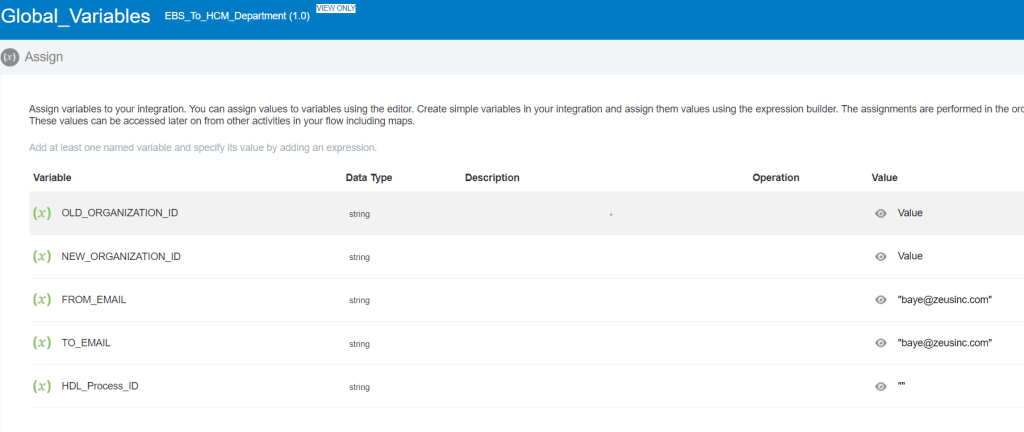
For OLD and NEW_ORGANIZATION_ID, we are setting them to the value being send from EBS.
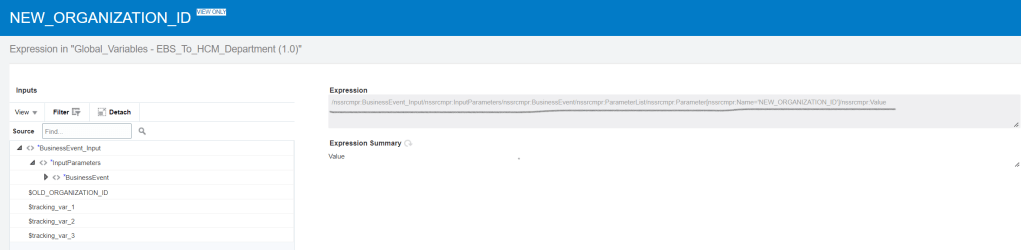
Step 3 : Use Database Adaptor to query the Custom view.
select * from ZEUS_DEPARTMENTS_V where organization_id=#ORGANIZATION_CODE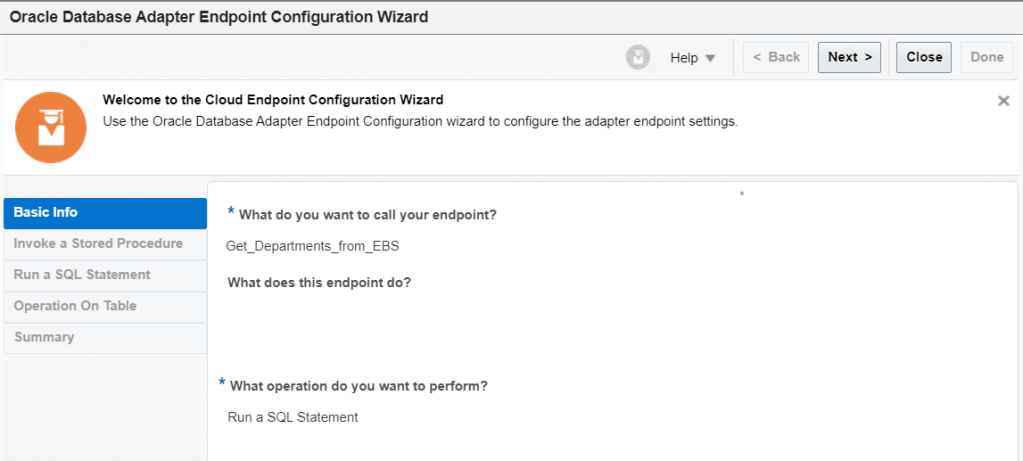


Mapper for the bind variable #ORGANIZATION_CODE is mapped to the value send from the trigger

Dynamically Generating the HCM HDL file
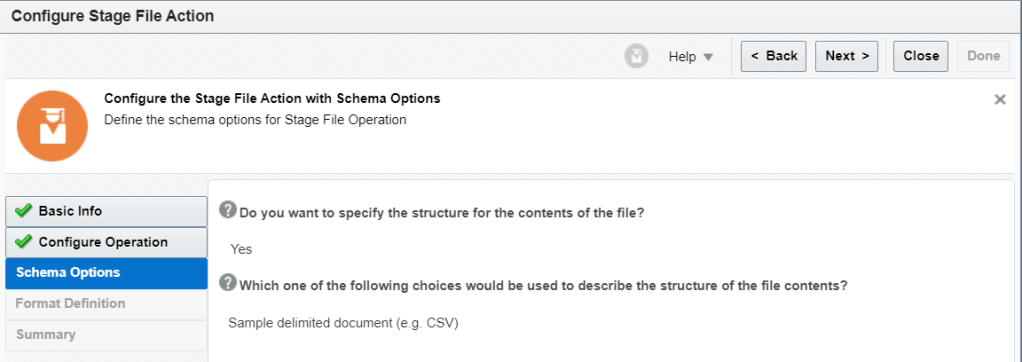
We are using Stage File Action to dynamically build the HDL file, two Stage File Action to be exact.
First one to build all the Header for Organization
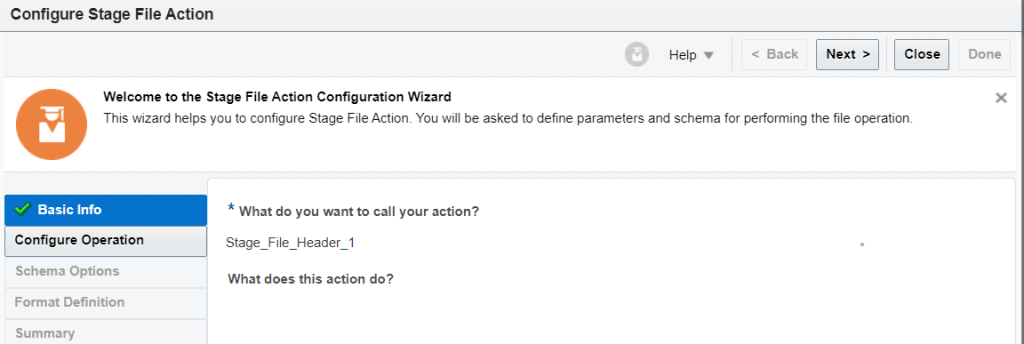
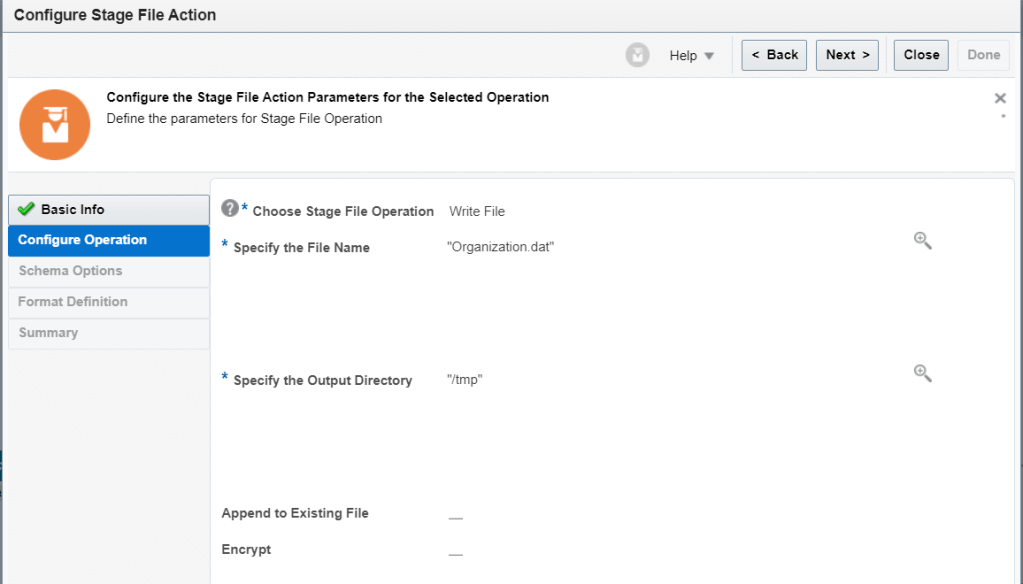
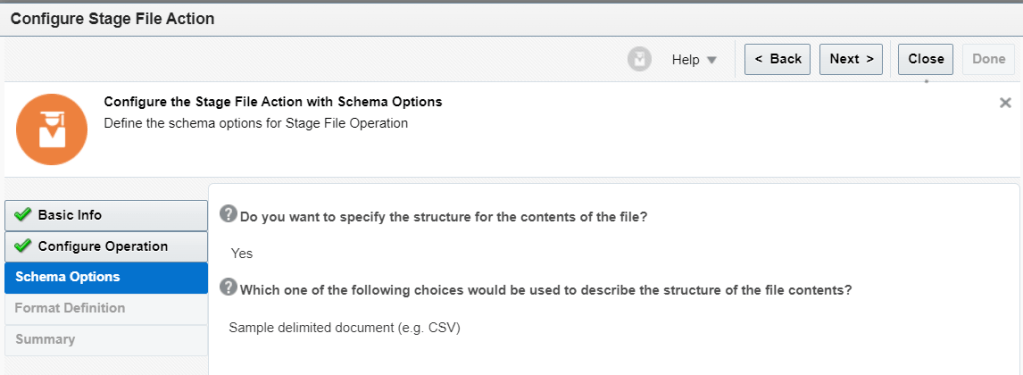
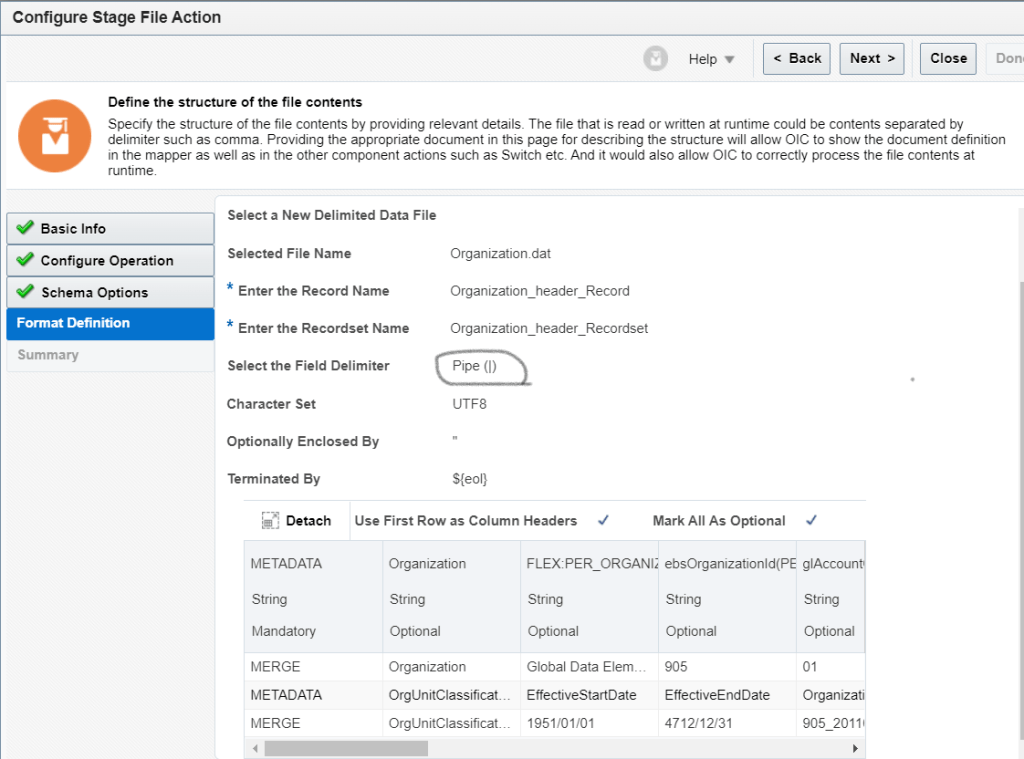
Sample schema file can be obtained from Oracle HCM to load it into OIC.
Here is the Header that I’m using (Default organization.dat file from HCM will have more columns and you will have to clean them up)
METADATA|Organization|FLEX:PER_ORGANIZATION_UNIT_DFF|ebsOrganizationId(PER_ORGANIZATION_UNIT_DFF=Global Data Elements)|glAccountCode(PER_ORGANIZATION_UNIT_DFF=Global Data Elements)|glDepartmentCode(PER_ORGANIZATION_UNIT_DFF=Global Data Elements)|glLocationCode(PER_ORGANIZATION_UNIT_DFF=Global Data Elements)|EffectiveStartDate|EffectiveEndDate|Name|ClassificationCode|ClassificationName|LocationCode|LocationSetCode|SourceSystemId|SourceSystemOwner
On the mapper for Stage File Action 1, I’m just hard-coding all the Header Name as literal

Second is to populate/append the data return from the EBS where we query the custom view to the same dynamic file


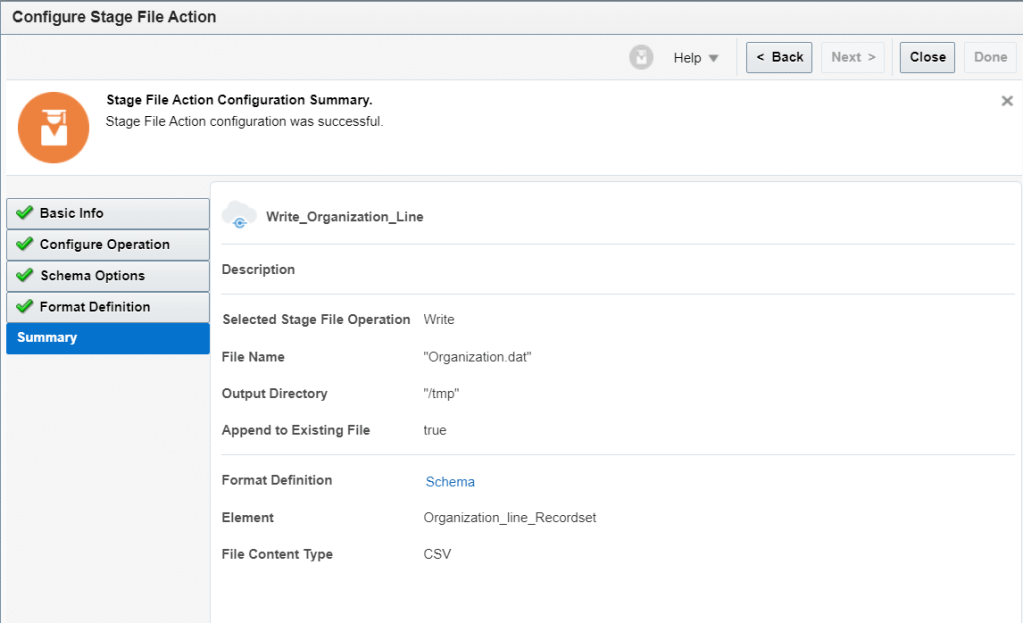
Mapper to map the data return from the view (Keep in mind that for some values, I’m hard coding them)


We will need to append one more header ORGANIZATION_CLASS and its body to the same file
Still the same file and we are appending again

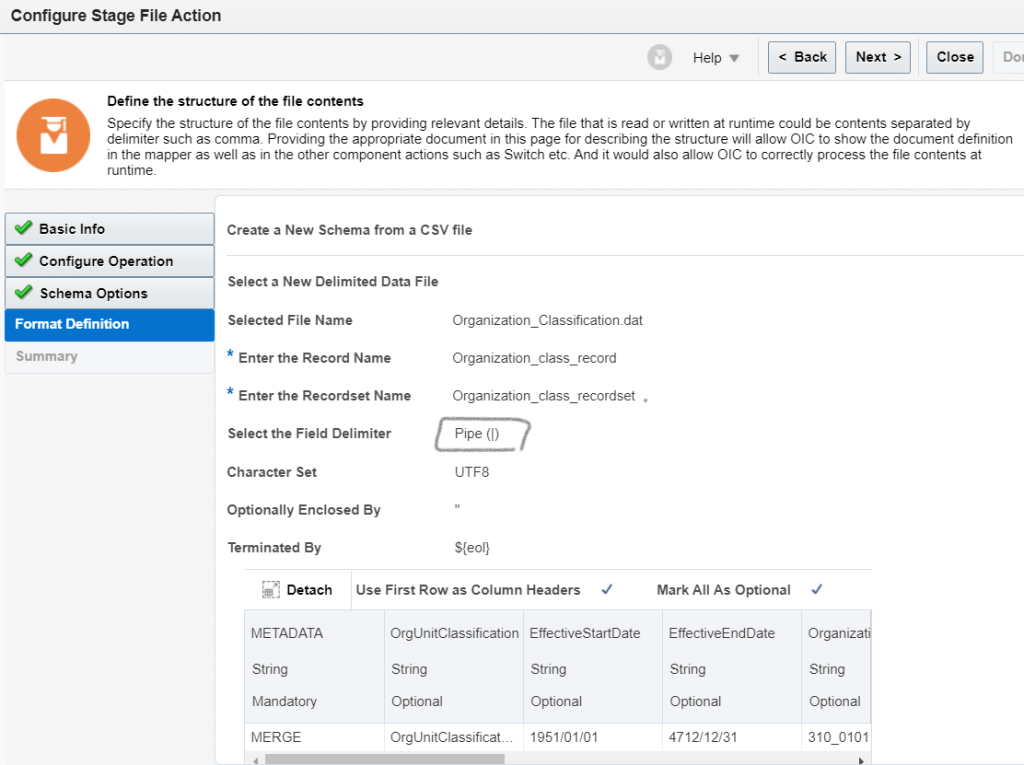

Mapper for Organization Class Header (appending to the same file)
Header values are all hard coded literal
METADATA|OrgUnitClassification|EffectiveStartDate|EffectiveEndDate|OrganizationId(SourceSystemId)|ClassificationCode|ClassificationName|SetCode|Status|SourceSystemId|SourceSystemOwner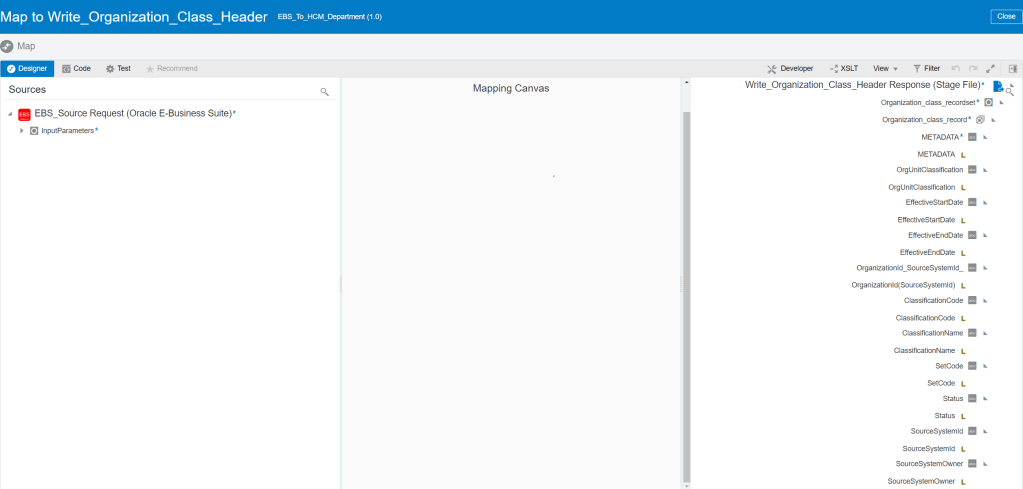
Body of Organization Class

Same file again and appending again


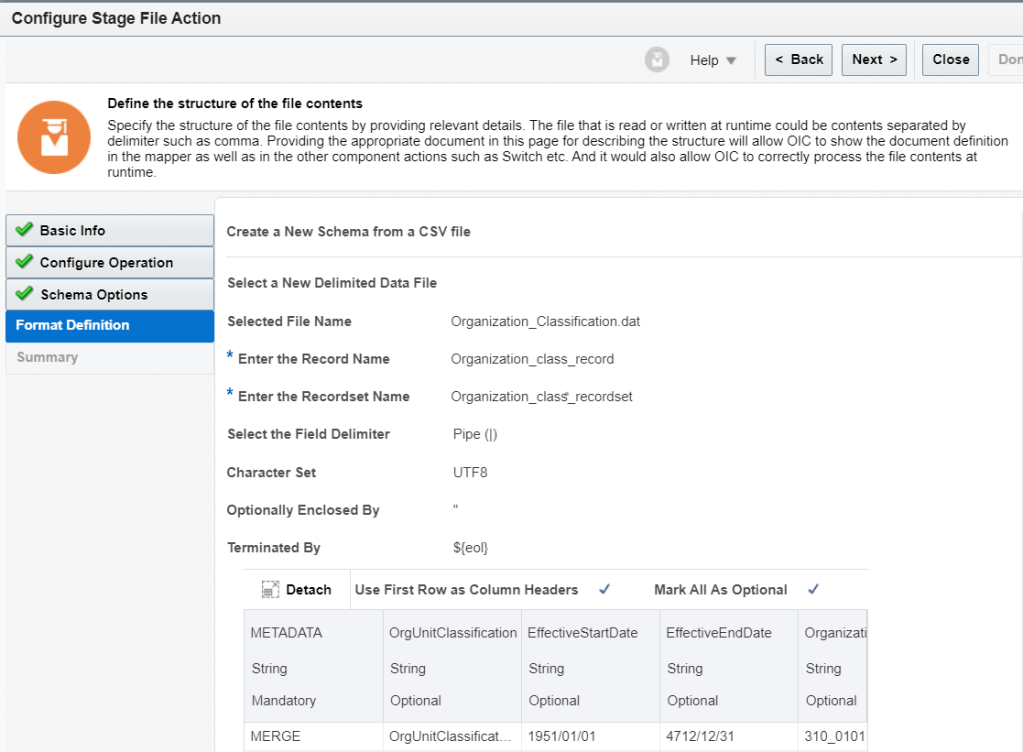

Mapper for Organization Class Line

When integration is run, once it passed this stage, it should build a pipe delimited file similar to following
METADATA|Organization|FLEX:PER_ORGANIZATION_UNIT_DFF|ebsOrganizationId(PER_ORGANIZATION_UNIT_DFF=Global Data Elements)|glAccountCode(PER_ORGANIZATION_UNIT_DFF=Global Data Elements)|glDepartmentCode(PER_ORGANIZATION_UNIT_DFF=Global Data Elements)|glLocationCode(PER_ORGANIZATION_UNIT_DFF=Global Data Elements)|EffectiveStartDate|EffectiveEndDate|Name|ClassificationCode|ClassificationName|LocationCode|LocationSetCode|SourceSystemId|SourceSystemOwner
MERGE|Organization|Global Data Elements|2207|20|2410|350|1951/01/01|4712/12/31|Materials Management - San Jose|DEPARTMENT|Department|San Jose|COMMON|2207_DEP|HRMS
METADATA|OrgUnitClassification|EffectiveStartDate|EffectiveEndDate|OrganizationId(SourceSystemId)|ClassificationCode|ClassificationName|SetCode|Status|SourceSystemId|SourceSystemOwner
MERGE|OrgUnitClassification|1951/01/01|4712/12/31|2207_DEP|DEPARTMENT|Department|COMMON|A|2207_DEPCLASS|HRMS
Next Action is to ZIP the dynamic file since that is what Oracle HCM is expecting (Suprise suprise, another Stage File Action)


Sending above ZIP file to Oracle HCM UCM Server (Universal Content Management Server)
NOTE!!! Disregard the 1 = 0 logic (I was testing something and too lazy to remove it)
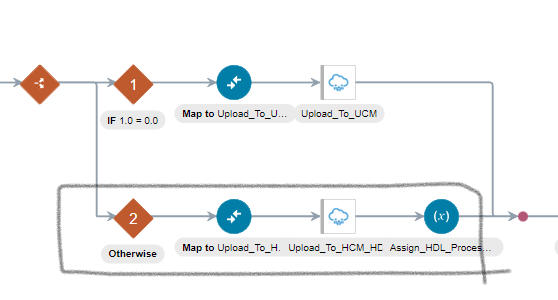
NEXT, we are using Oracle HCM Cloud Endpoint Adapter
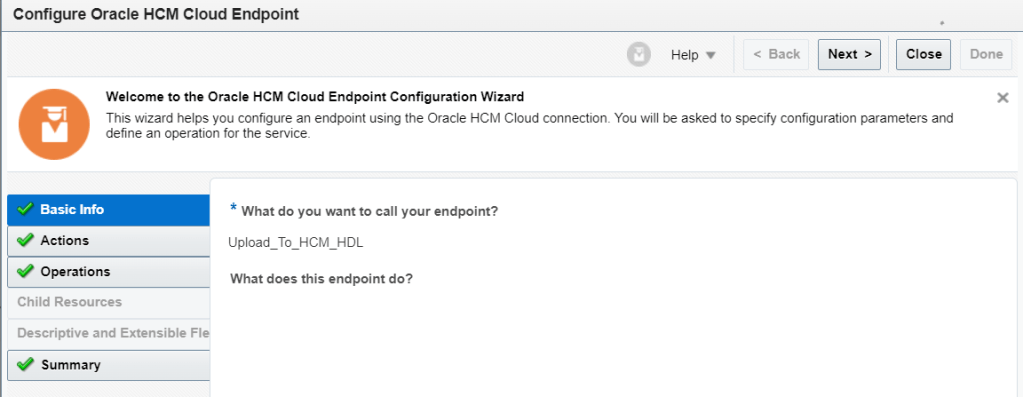
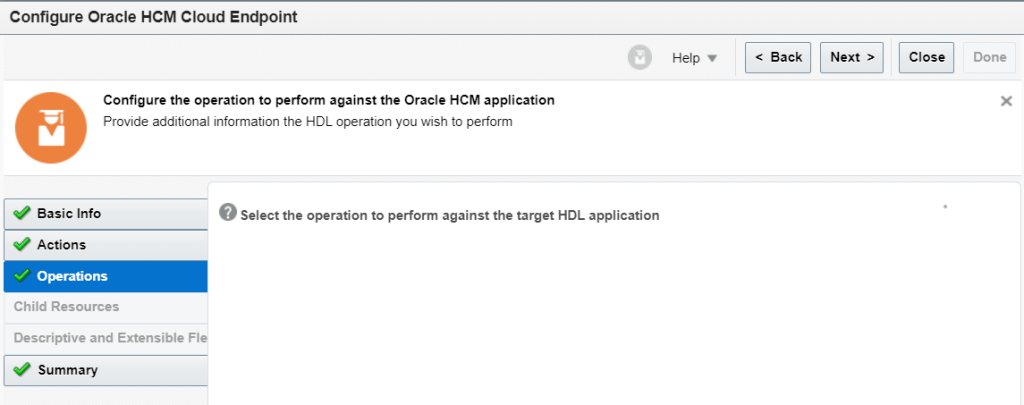
We will be using “Import Bulk Data using HCM Data Loader (HDL)”

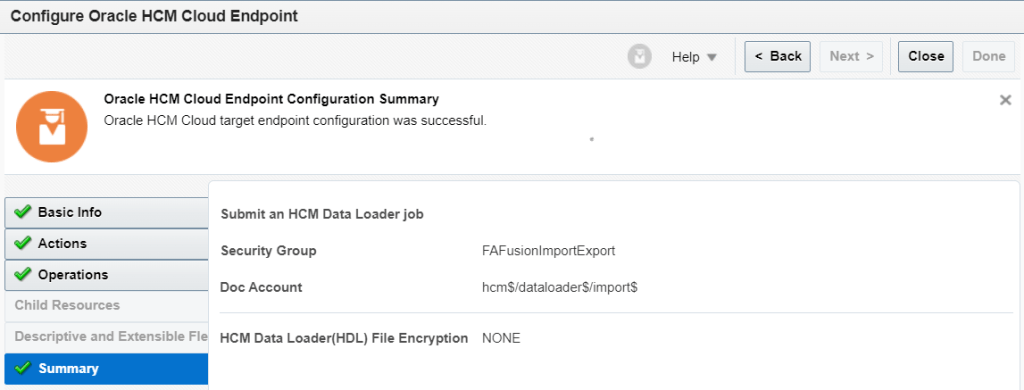
Mapper for Oracle HCM Cloud Endpoint Adapter
Mapped FileReference from ZIP Action to File Reference from Oracle HCM Cloud Endpoint Adapter
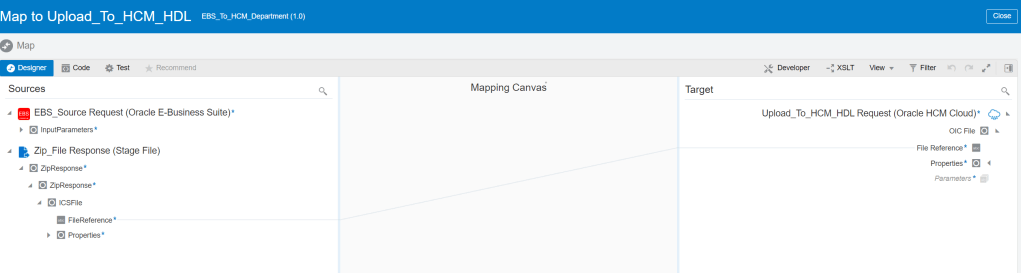
Next Step Assigning another variable (Last Process ID)

Put Artificial Wait of 5-10 mins where above dataload job will load the zip file into UCM.
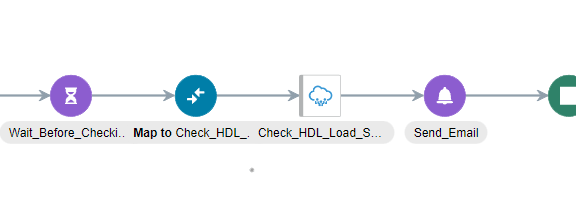

Next Step is to check the status of Dataload job in HCM using Oracle HCM Cloud Endpoint Adapter
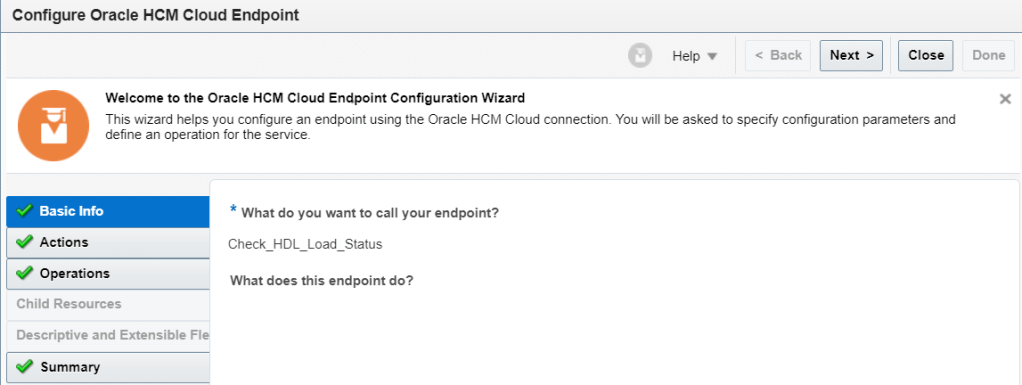
Mapper: Passing the HDL_Process_ID that we’ve assigned earlier.

Notification Action: I email some information regarding the status of the HDL dataload and the zip file just in case.

END
 Oracle Journey